Raster & Vector Terrain
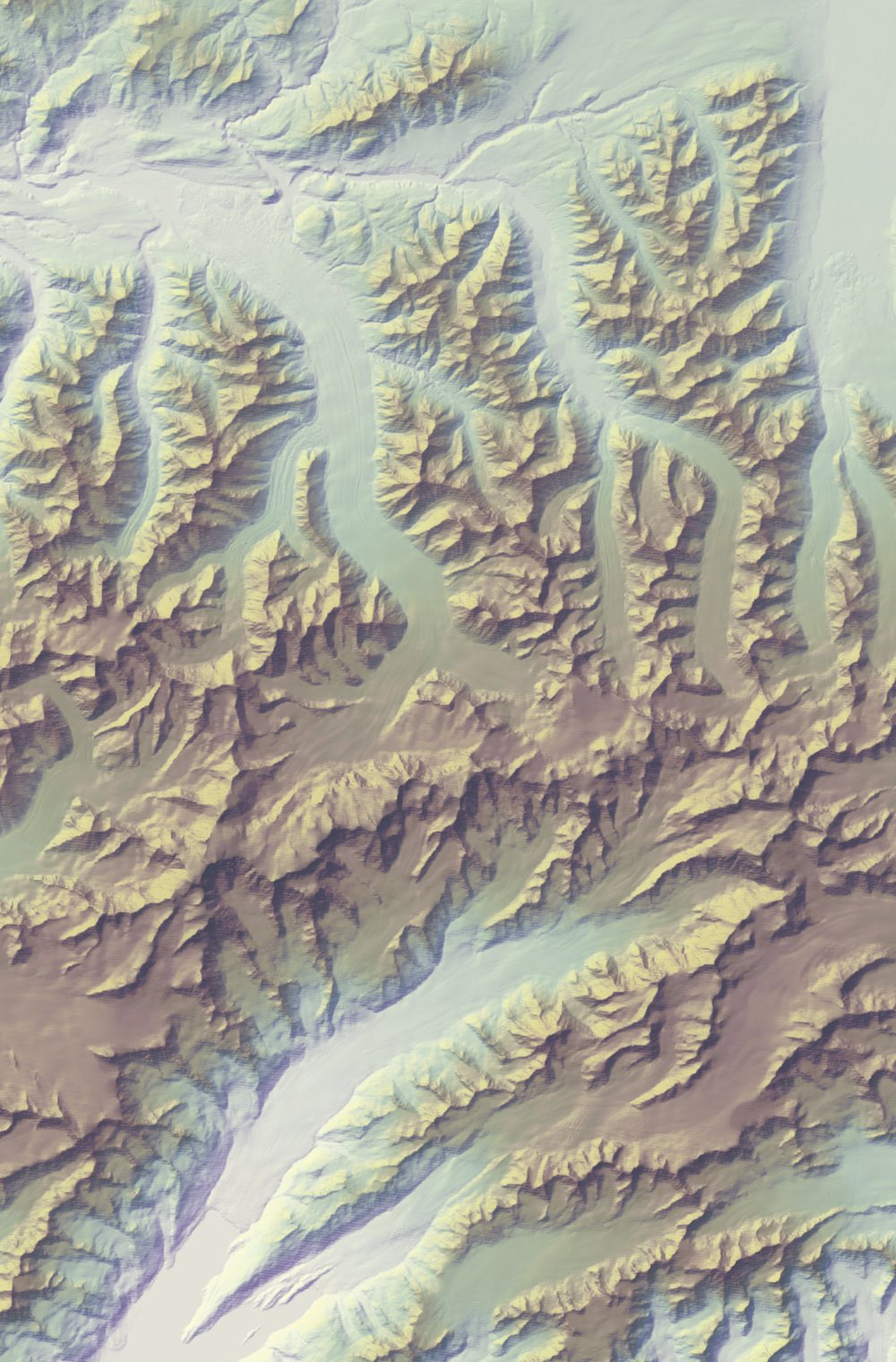
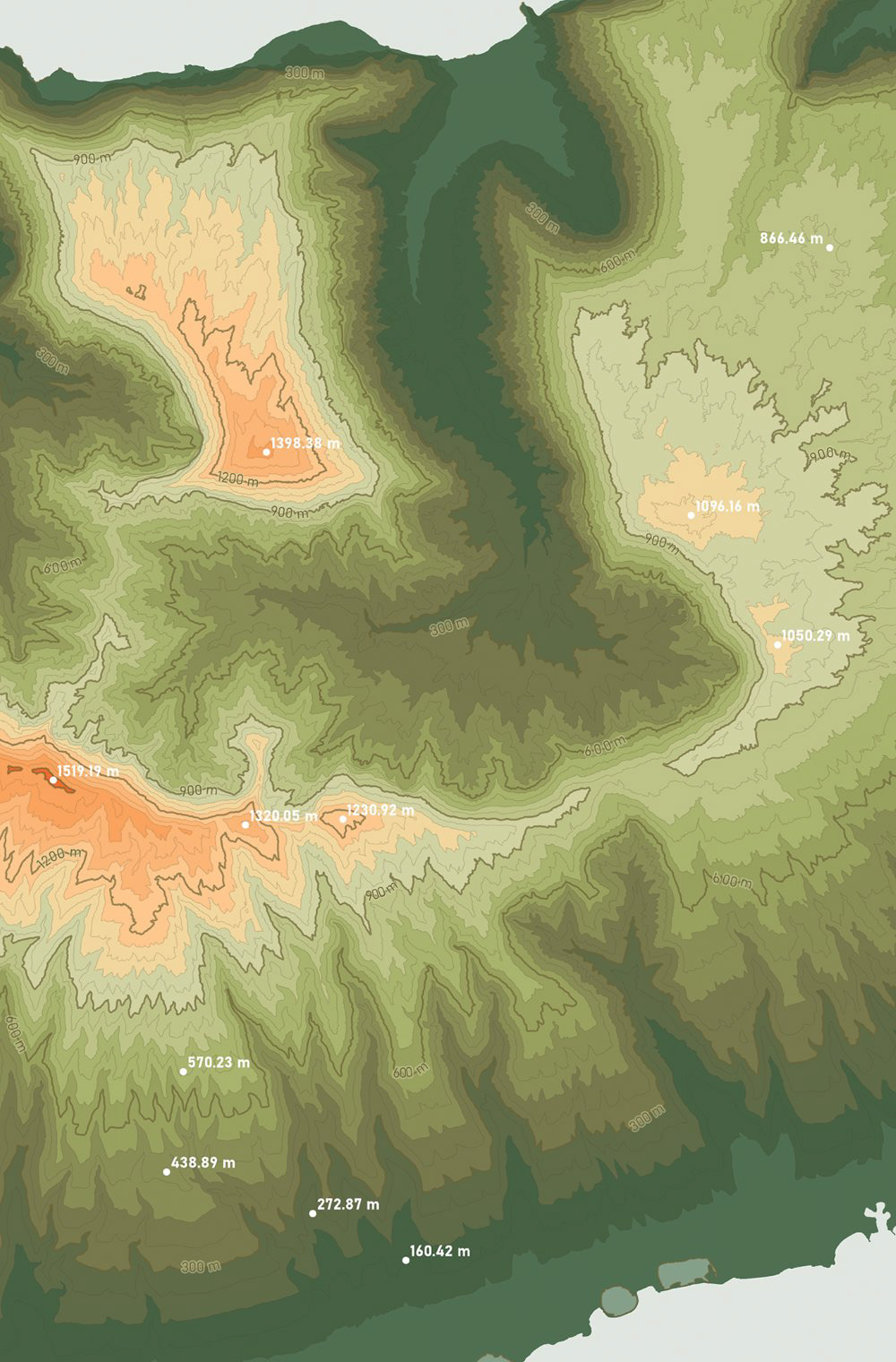
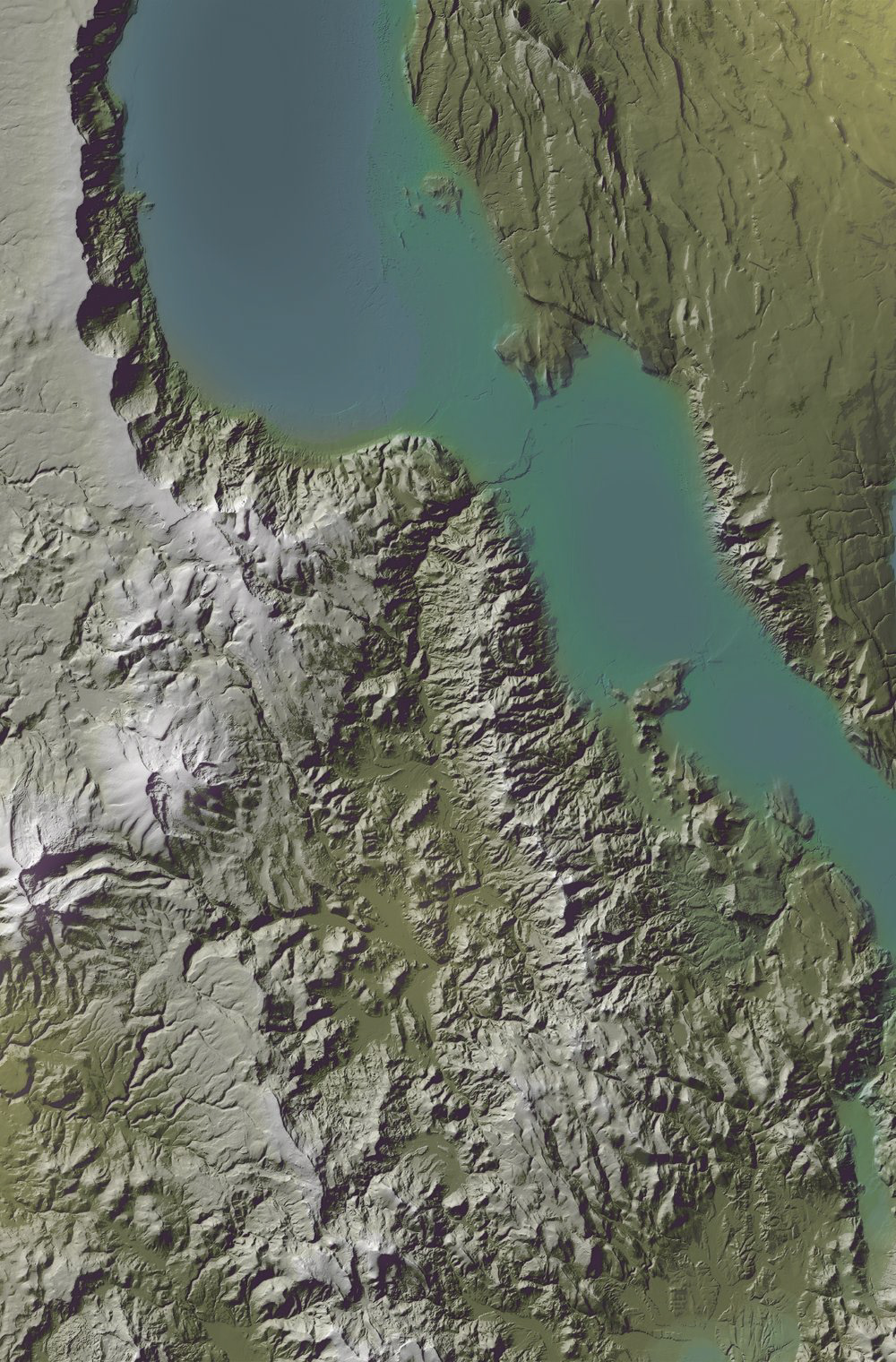
These images were made as a series of “labs” that practised techniques for depicting the Earth’s terrain, then were compiled into a small atlas. Each exercise combined the processes of sourcing Digital Elevation Models and/or point cloud data, performing geoprocessing for raster information, experimenting with software tools, and tapping into both cartographic freedoms and inspiration sources to colour and stylize end results. Additional methods that are not pictured: false colour image enhancements, large-scale LiDAR relief, terrain processed in Blender, and hand-rendering.
Key Skills
- Processed raster imagery, such as DEMs, with basic and advanced geoprocessing tools in ArcGIS Pro including use of the “Raster Calculator”, “Raster Functions”, and “Focal Statistics” to create new visualizations.
- Manipulated vector data in the form of landform contours to create new raster imagery, using ArcGIS Pro’s “Topo to Raster” tool to generate a DEM for further geographical analysis.
- Executed book layouts in Adobe InDesign through parent pages, dynamic features, and set styles, contributing to well-designed spreads of cartographic imagery that are print ready.
Software
- ArcGIS Pro
- Adobe Illustrator
- Adobe InDesign
- Adobe Photoshop
- Blender
- Microsoft Excel